Access per person
You tick per person what they may use through the AI. Without a tick, someone has no access.
Your team asks Claude or ChatGPT about orders in Shopify or a page in Notion. You connect your tools once and decide per person what they may read.
We only use your email address to let you know when Fulldev Connect is ready for you. You can unsubscribe at any time. Read more in the privacy statement.
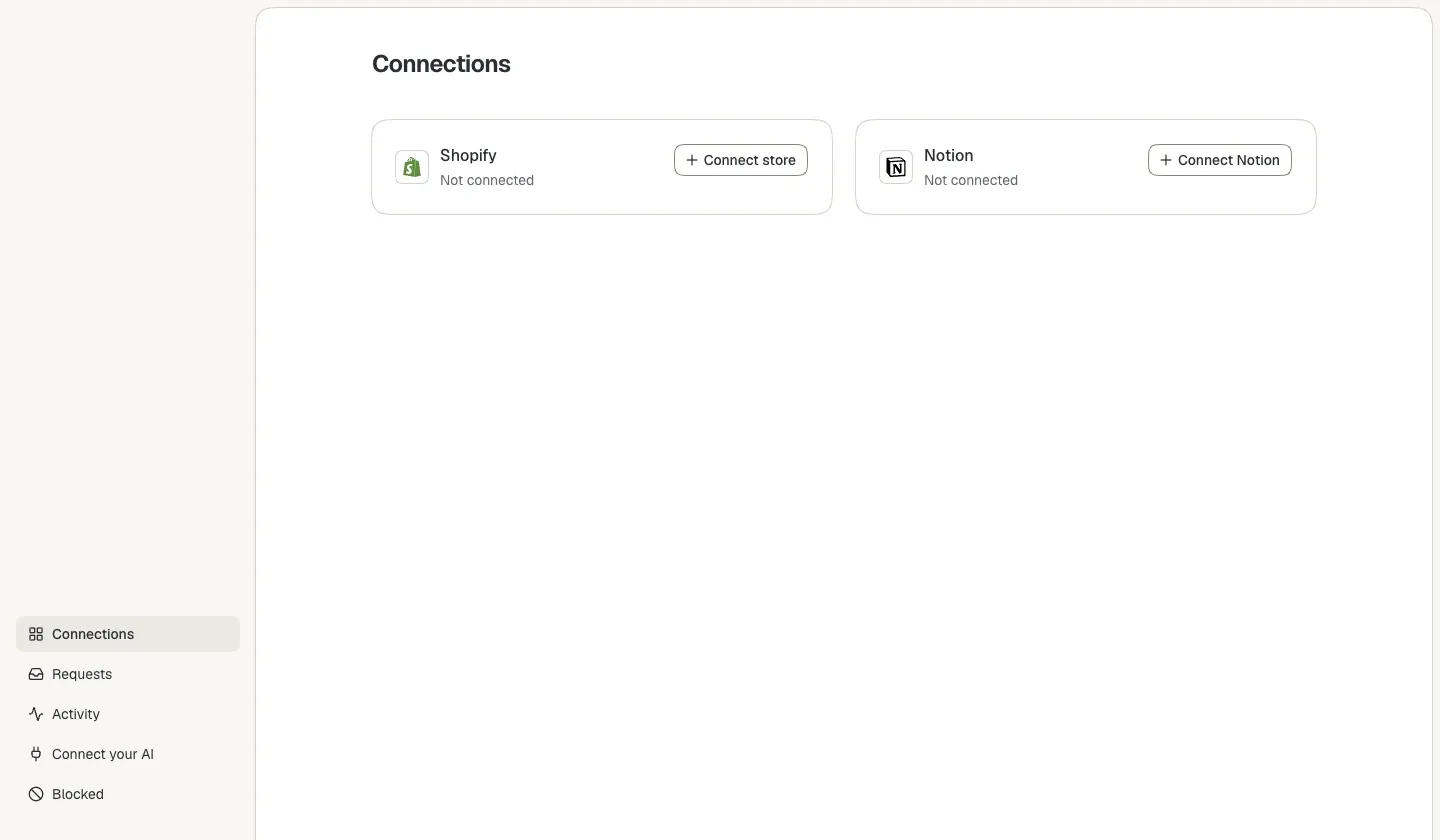
Connect sits between your tools and your team's AI, and checks every request.
Connect once. After that, your team works in the AI it already uses.
Create an account and choose your organization. Fulldev then turns Connect on for you.
Connect your Shopify store, or choose in Notion which pages Connect may read. Then tick per person what they may do.
Everyone adds the Fulldev address to Claude or ChatGPT once and signs in. The AI only gets what you allowed.
Fulldev Connect is not open to everyone yet. Leave your email address and we will email you as soon as you can start.
We only use your email address to let you know when Fulldev Connect is ready for you. You can unsubscribe at any time. Read more in the privacy statement.